Rolling Out SFA to Your Field Team: A 30-Day Plan Reps Will Actually Follow
Most SFA projects fail on adoption, not technology. Use this 30-day rollout plan to move field reps from paper to a mobile sales app with less resistance.
Read the insightBusiness & Technology · 4 MIN READ
Basements, highways and remote towns kill mobile signal. Here is why an offline-first SFA app matters for field sales, and what good offline sync and backup look like.
Ask any van rep where their signal disappears. They will give you a list: the underground loading bay of that hypermarket, the industrial area on the edge of town, the stretch of highway between two cities, the back of a warehouse with metal walls.
Now ask what happens to your sales app in those places. If the answer is "it spins," you have a problem.
Many sales apps are built like websites. Every action calls the server and waits for an answer. In the office that works. In the field it means:
Each of those moments costs you time, accuracy and sometimes the sale.
Offline-first is a design choice, not a feature toggle. The app treats the phone as the primary place where work happens, and the server as the place it syncs to.
In practice:
Working offline is easy. Syncing correctly is where weak apps break. A few things a good SFA app must get right:
Invoice and receipt numbers have to be unique even when the phone has been offline all day. The app needs a numbering scheme per device or per rep that cannot collide, and it must remember the highest number it has used even after a reinstall or a server hiccup. If the app simply trusts a "last number" from the server, one bad value can produce a whole day of duplicate invoices.
If the connection drops halfway through a sync, the app will retry. The server must recognise a transaction it has already received and not create it twice. Duplicate payment receipts are a classic symptom of getting this wrong.
The rep and the manager should both see what has synced and what is still waiting. A small "3 invoices pending" indicator prevents a lot of confusion.
Prices change, credit limits change, customers get blocked. The app needs clear rules for which version wins and when the rep is warned.
Phones get dropped, stolen, reset and replaced. If unsynced invoices live only on that phone, they are gone.
A serious offline app should:
This is not glamorous, but it is the difference between a bad day and a lost week of revenue.
If the answers are vague, test it yourself. Put a phone in airplane mode and try to run a route.
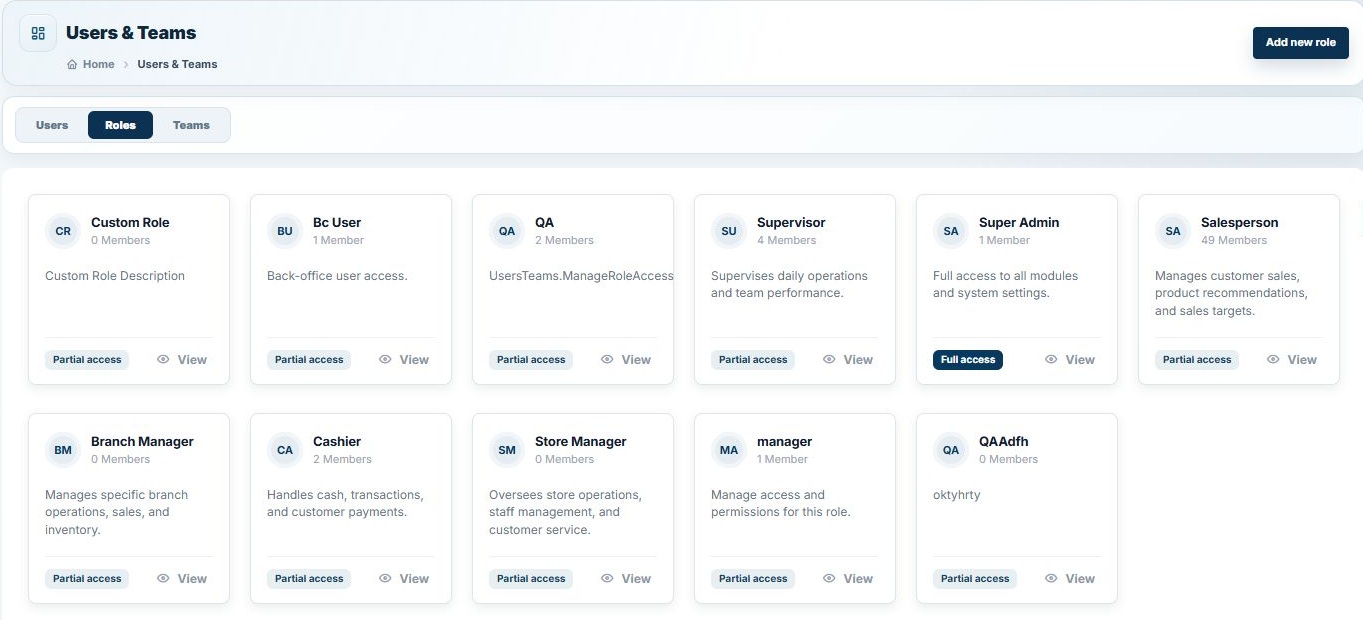
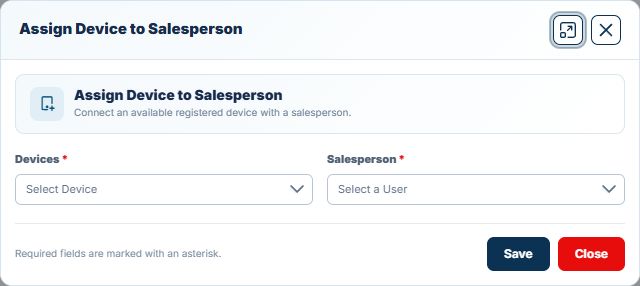
NobleSFA was designed for reps who spend their day where the signal is weak. Reps take orders, issue ZATCA-compliant invoices, collect payments and process returns with no connection. Data syncs automatically when connectivity returns, and managers see each device's status in the back office.
Want to test it in airplane mode? Try NobleSFA free or talk to an expert.
An app that saves all work on the device first and syncs with the server in the background, so users can keep working without internet.
With a properly designed app, a full day or longer. The main limits are how fresh the price and credit data is and, in Saudi Arabia, the ZATCA reporting window for invoices.
Only if the app takes regular backups that can be recovered. Ask your vendor exactly how this works.
Not significantly. Working offline often uses less battery than an app constantly retrying network calls.
Have a question about putting this into practice?
Talk to the TechQode team ↗KEEP EXPLORING
Most SFA projects fail on adoption, not technology. Use this 30-day rollout plan to move field reps from paper to a mobile sales app with less resistance.
Read the insightChoosing sales force automation software? Use these 12 questions on offline mode, ZATCA, ERP integration, invoice numbering, support and pricing to compare SFA vendors.
Read the insightA practical end-of-day checklist for van sales teams: reconcile van stock, cash, cheques, returns and invoices before the rep leaves the depot, and stop month-end surprises.
Read the insightBEFORE YOU GO
Tell us what is slowing your business down. In a focused 15-minute consultation, we’ll help you see the clearest way forward.