Rolling Out SFA to Your Field Team: A 30-Day Plan Reps Will Actually Follow
Most SFA projects fail on adoption, not technology. Use this 30-day rollout plan to move field reps from paper to a mobile sales app with less resistance.
Read the insightBusiness & Technology · 5 MIN READ
Sales force automation explained in plain terms: what an SFA app does, who needs it, and how distributors in Saudi Arabia use it to sell, invoice and collect in the field.
Your reps leave the warehouse at 7 a.m. with a full van. By evening they come back with cash, receipts, returned stock and a story about what happened on the road. What you actually know about their day depends on how good their memory is and how neat their paperwork is.
That gap is exactly what sales force automation closes.
Sales force automation (SFA) is software that runs the daily work of a field sales team on a phone or tablet. Instead of order books, carbon-copy receipts and end-of-day phone calls, the rep does everything in one app:
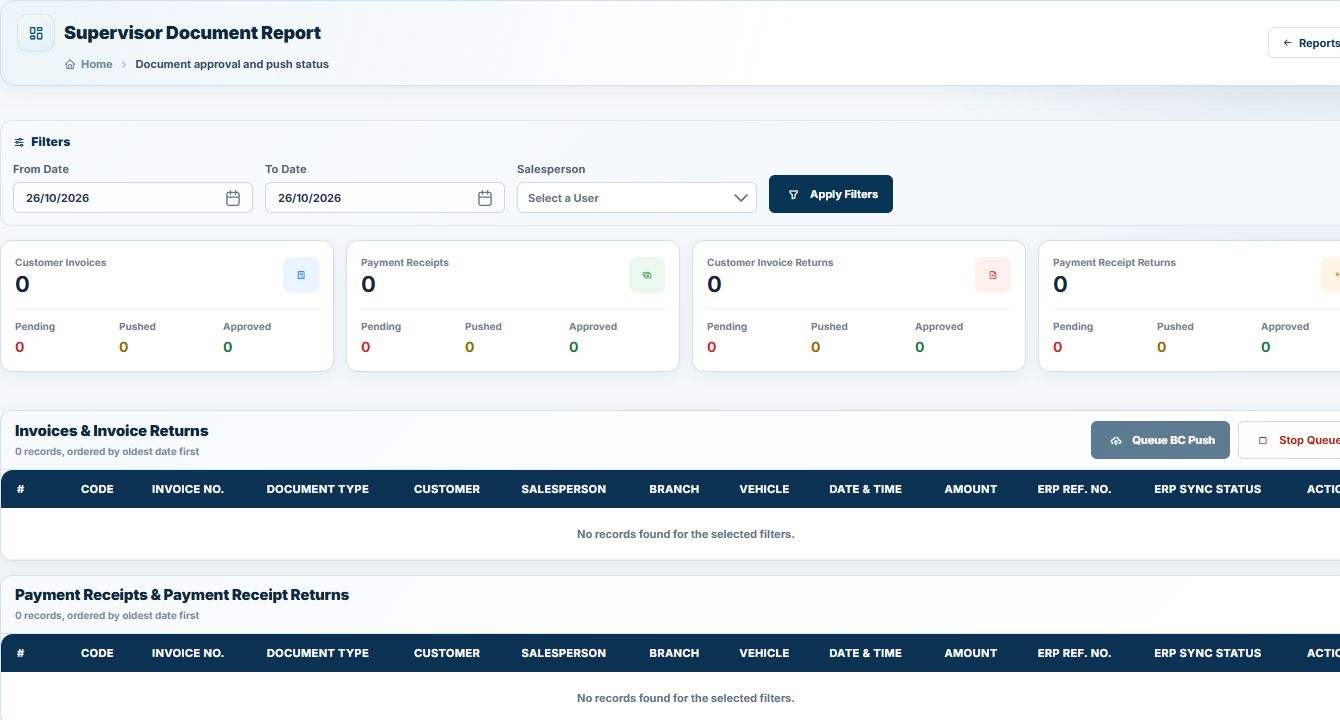
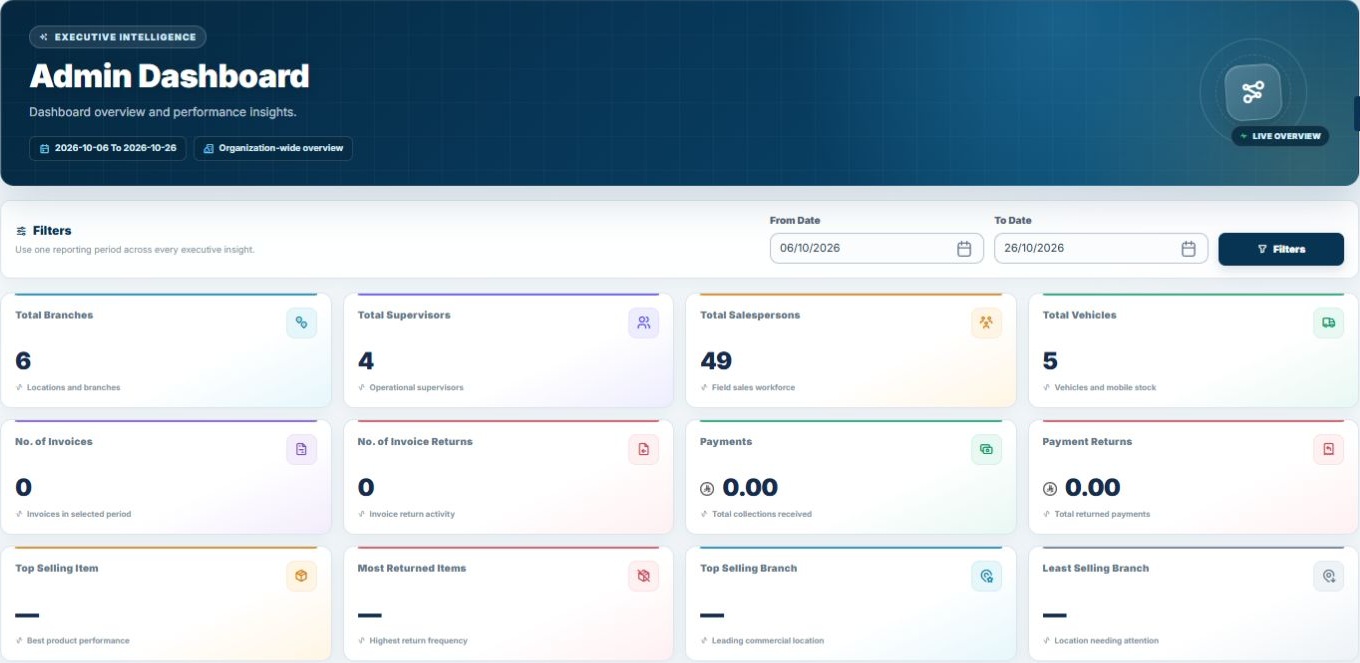
Every one of those actions lands in the back office. Managers see sales, stock and collections as they happen, not three days later when someone keys them into the ERP.
SFA is built for businesses that sell outside the office. In Saudi Arabia and the GCC that usually means:
If you have more than a handful of reps, more than one van, or customers who buy on credit, you already have the problems SFA solves. You might just be solving them with spreadsheets and phone calls.
Most SFA platforms support two operating models, and many distributors run both.
Pre-sales (order taking). The rep visits, takes an order and the warehouse delivers later. The app needs a good product catalogue, customer pricing, promotions and credit checks.
Van sales (direct store delivery). The rep carries stock and sells on the spot. Now the app also needs to know what is on the van, issue an invoice immediately, collect payment and reconcile everything at the end of the day. We call this the moving warehouse, and it is where most of the complexity sits.
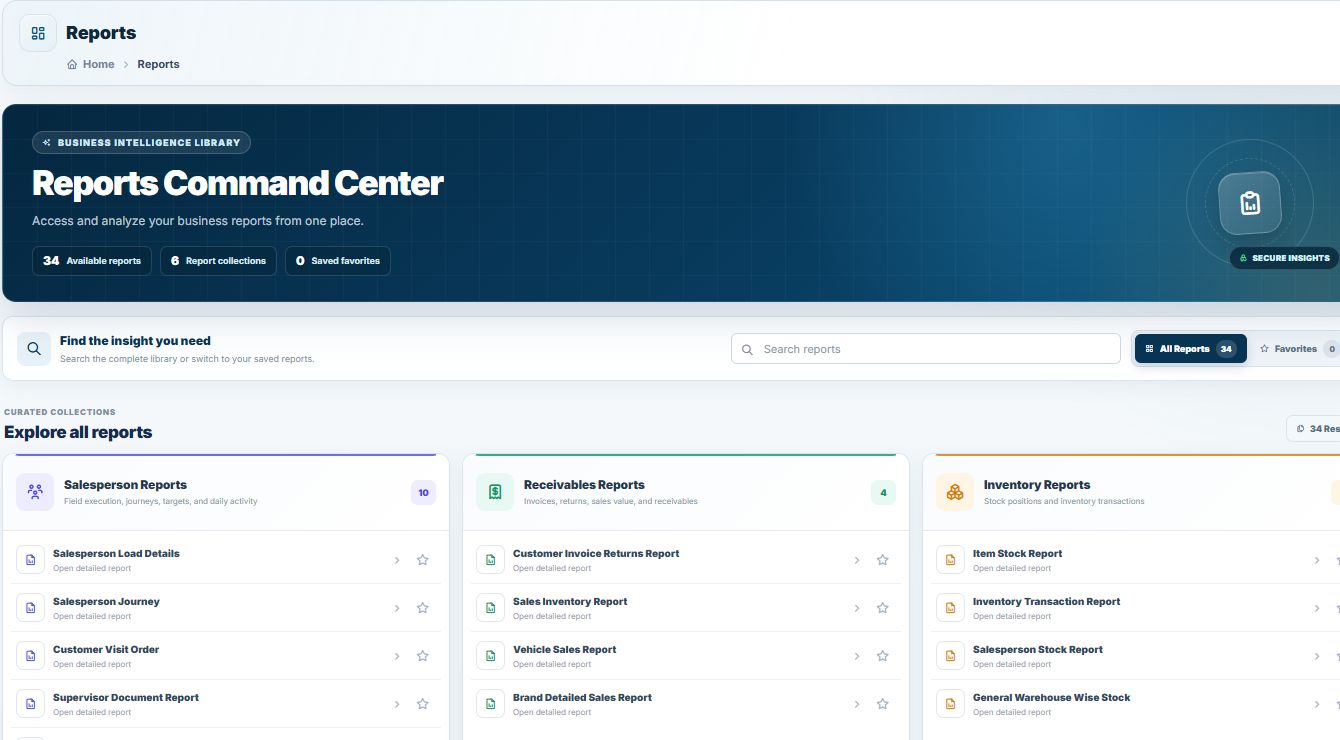
A modern SFA app should cover at least these areas:
| Area | What it does |
|---|---|
| Route and visit planning | Daily journey plans, customer sequence, visit check-in |
| Order and invoice | Customer-specific prices, promotions, VAT, printed invoices |
| Van stock | Load, sell, return and transfer stock per vehicle |
| Collections | Cash, bank transfer and cheque receipts, linked to invoices |
| Credit control | Credit limits and credit days enforced before the sale |
| Returns | Credit notes issued at the customer's door |
| Offline mode | Full operation without internet, sync when back online |
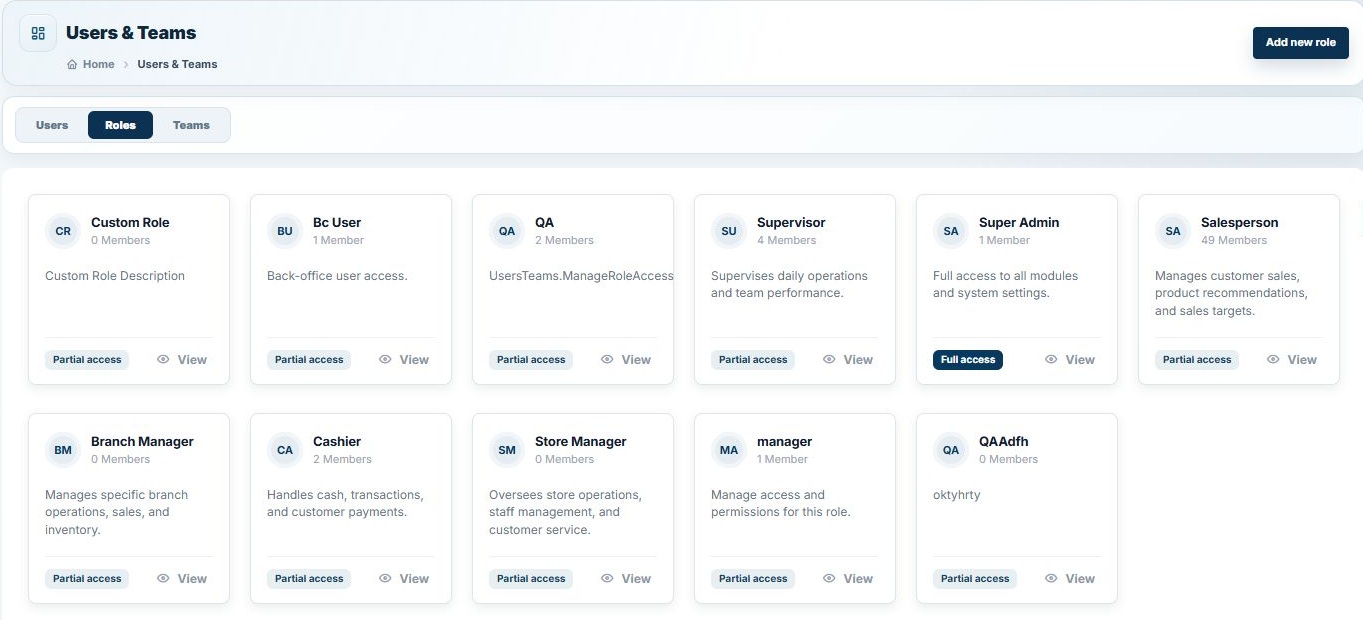
| Back office | Live dashboards, approvals, reports and ERP integration |
In Saudi Arabia there is one more non-negotiable: ZATCA Phase 2 e-invoicing. Every invoice your rep issues has to meet the Fatoora requirements, including the QR code, cryptographic stamp and reporting to ZATCA. An SFA app that cannot do this is not an option for a Saudi business.
The honest answer is that SFA does not make your reps sell more by magic. It removes the friction that stops them selling.
You are ready for SFA if any of these sound familiar:
NobleSFA is TechQode's sales force automation platform for distributors in Saudi Arabia and the GCC. It runs on iOS and Android, works fully offline, prints on Bluetooth printers, supports Arabic and English, and is certified for ZATCA Fatoora Phase 2. It connects to NobleERP, Odoo, Zoho Books and Microsoft Dynamics 365 through API.
It scales from a single rep to a full distribution network, and onboarding training is included.
Want to see it on your own routes? Get a free consultation. No pitch. No pressure.
SFA stands for sales force automation: software that digitises the daily work of field sales reps, from visits and orders to invoices and collections.
No. CRM focuses on managing leads and customer relationships. SFA focuses on execution in the field: routes, orders, van stock, invoices and payments. Many businesses use both.
A good one does. Reps should be able to invoice and collect offline, with the data syncing automatically when the connection returns.
Usually not. A standard Android or iOS phone plus a Bluetooth receipt printer is enough for most van sales teams.
Have a question about putting this into practice?
Talk to the TechQode team ↗KEEP EXPLORING
Most SFA projects fail on adoption, not technology. Use this 30-day rollout plan to move field reps from paper to a mobile sales app with less resistance.
Read the insightChoosing sales force automation software? Use these 12 questions on offline mode, ZATCA, ERP integration, invoice numbering, support and pricing to compare SFA vendors.
Read the insightA practical end-of-day checklist for van sales teams: reconcile van stock, cash, cheques, returns and invoices before the rep leaves the depot, and stop month-end surprises.
Read the insightBEFORE YOU GO
Tell us what is slowing your business down. In a focused 15-minute consultation, we’ll help you see the clearest way forward.